Smart assignment
Smart assignment: each lead goes to someone who can take it
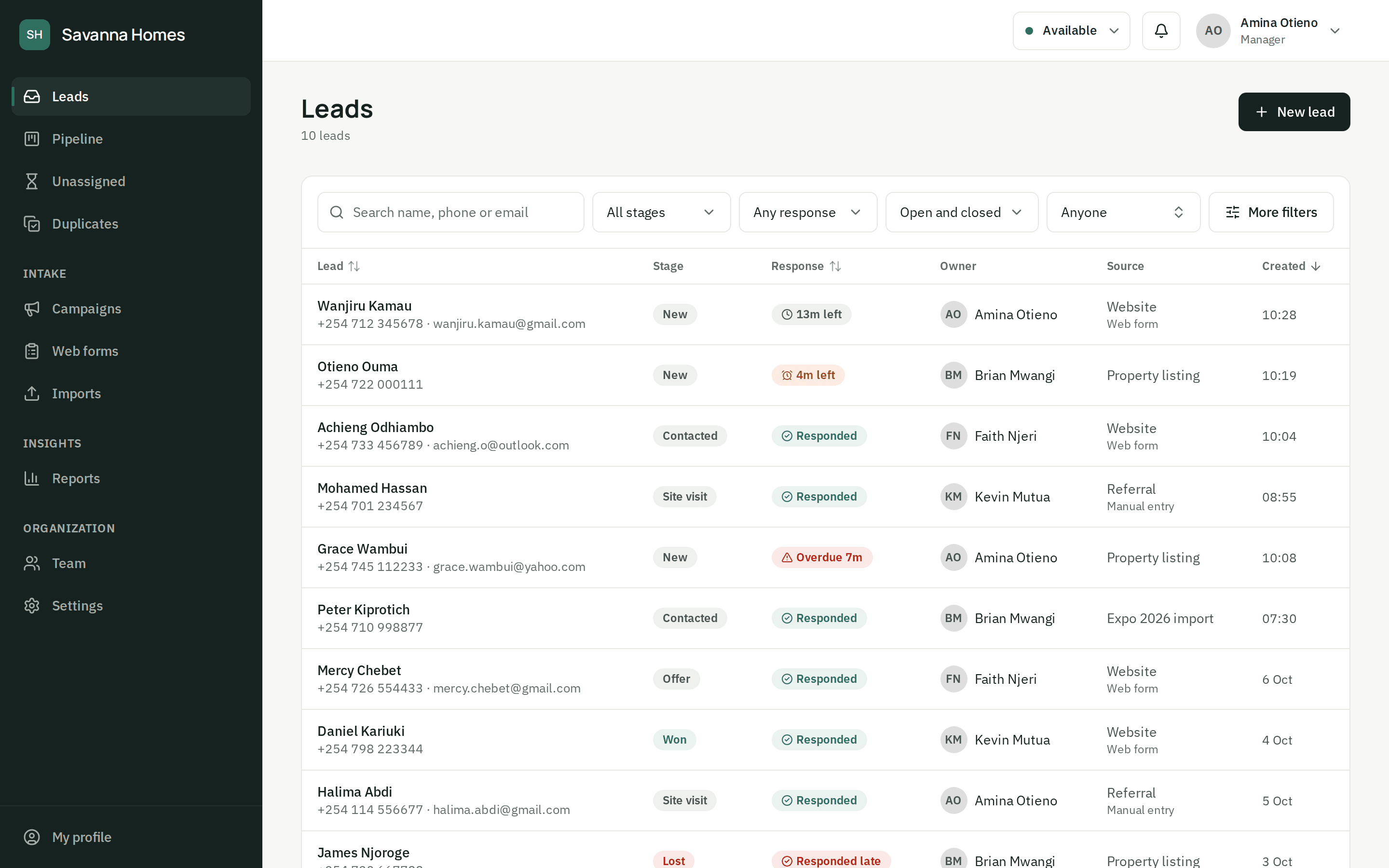
ZonoLead hands each new lead to an agent who is on shift, available and not on a break: the one with the fewest open leads. No shared inbox, no grabbing, no lead waiting for someone on leave.
- Shifts, breaks and availability respected
- A fair share by open leads, not by luck
- Returning contacts go back to the agent they know
- Reassign by hand, with the full history kept
Assigned in seconds
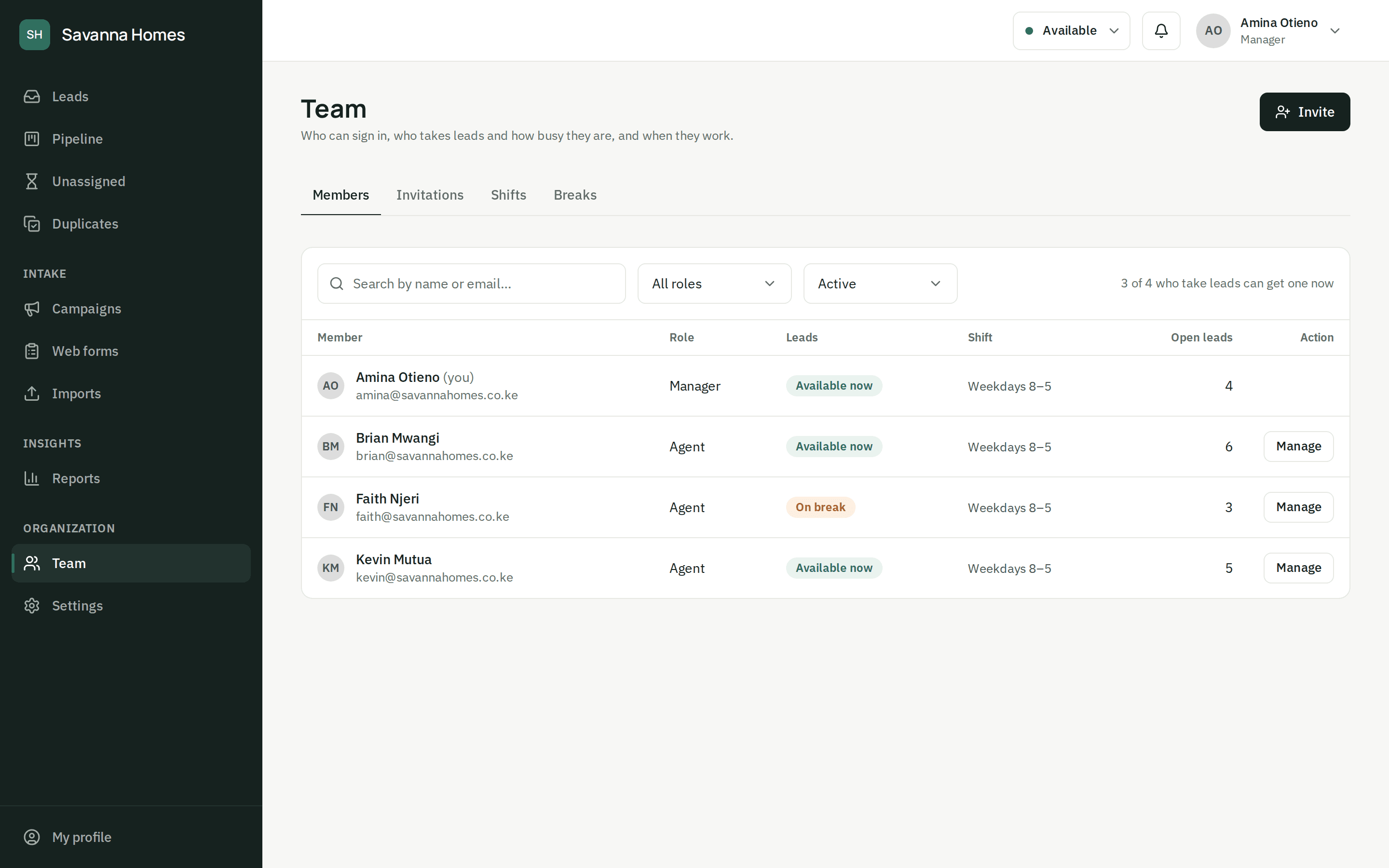
Every lead has an owner the moment it arrives
The engine looks at the people who can call now and gives the lead to whoever has the fewest open leads. The lead's timeline records who got it and why, so nobody argues about whose it is.
The queue
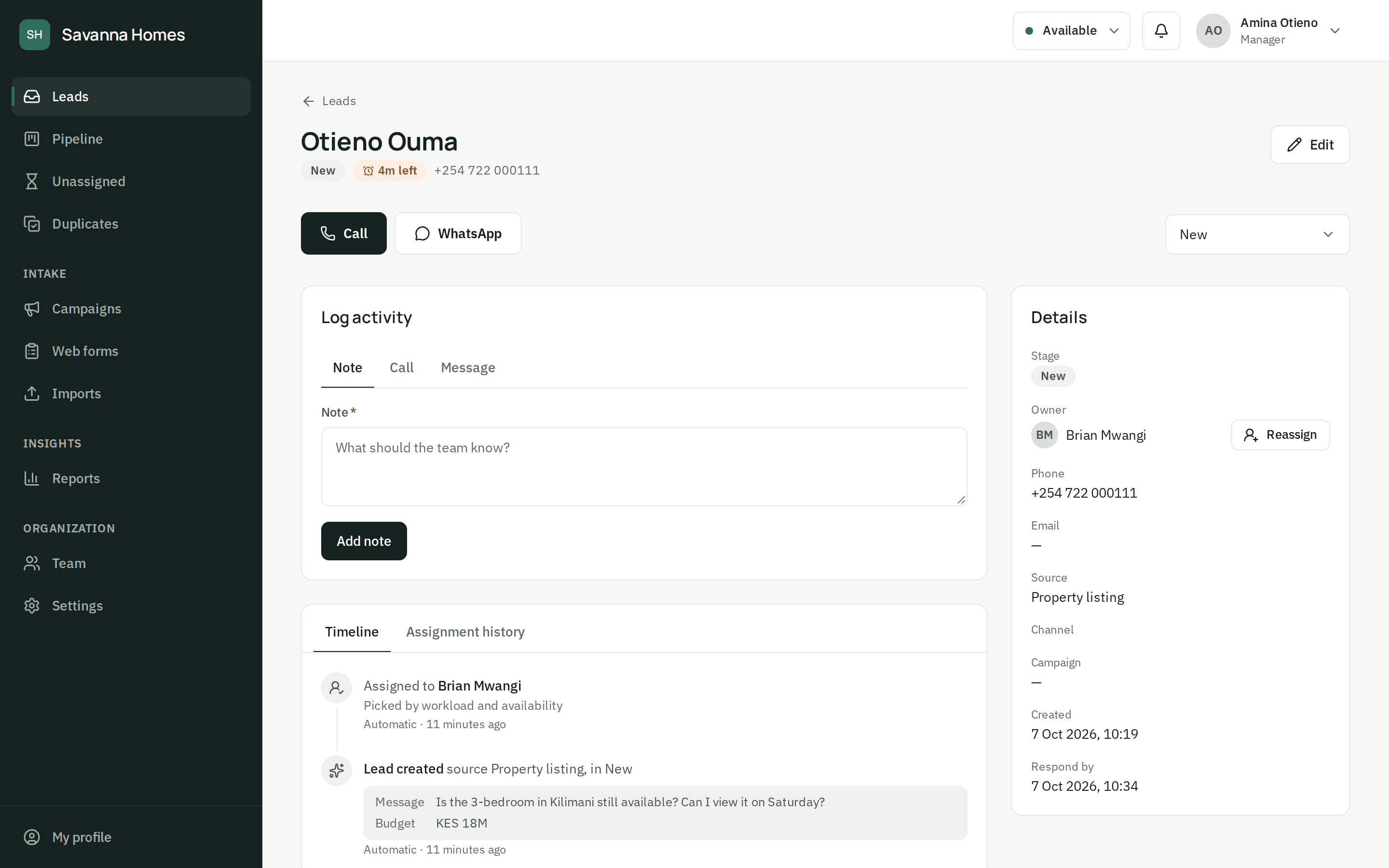
When nobody can take it, nothing is lost
Outside working hours, leads wait in an unassigned queue and managers are told. They go out oldest first as soon as someone starts a shift or comes back from a break, or a manager assigns them by hand.
Returning customers
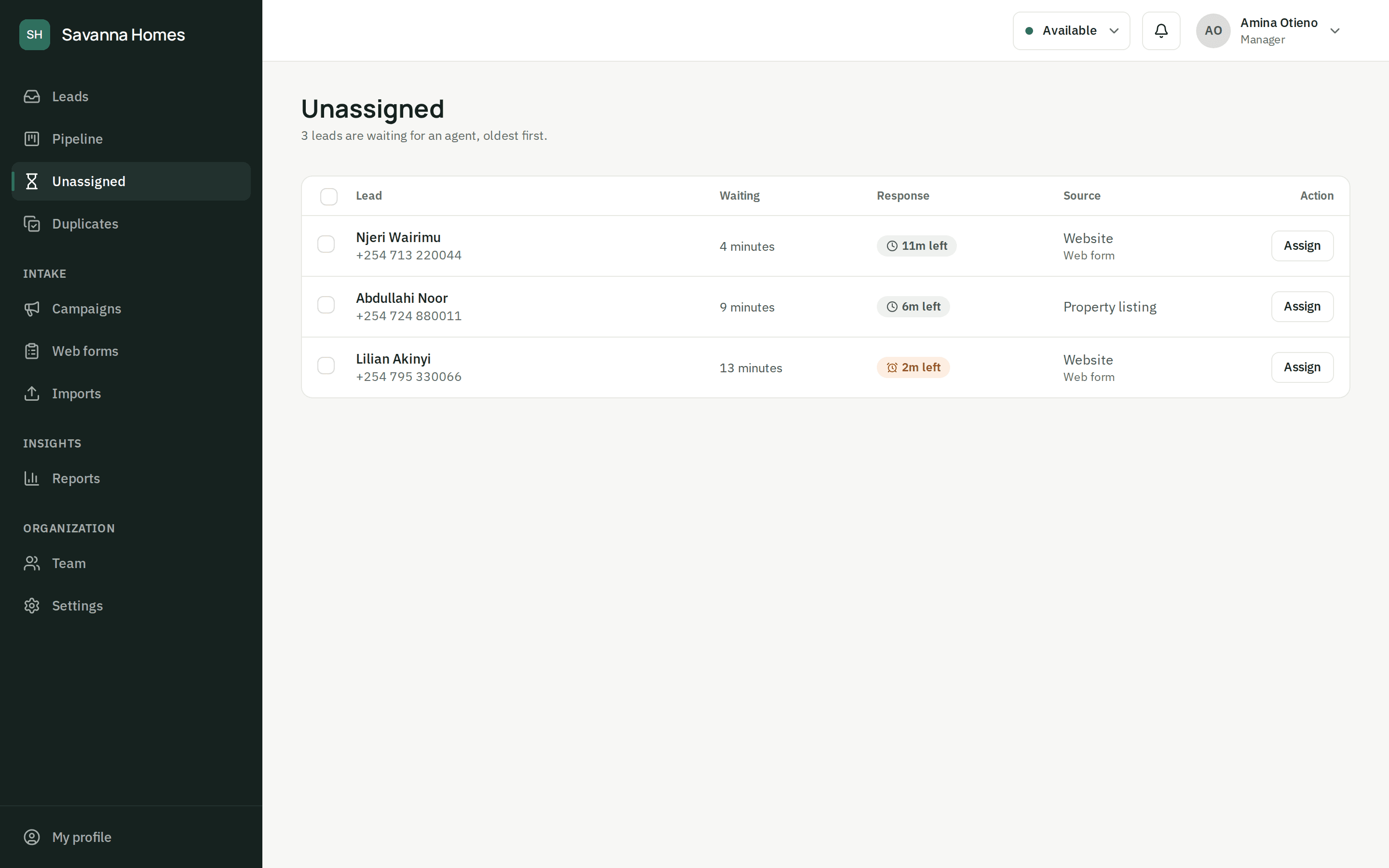
The same customer, the same agent
When someone you already know enquires again, the new lead goes to the agent who spoke to them before, if that agent can take it, so two people never chase the same customer.
Questions about assignment
How does ZonoLead decide who gets a lead?
It looks at agents who are available, on shift and not on a break, and gives the lead to whoever has the fewest open leads (ties go to whoever waited longest). A returning customer goes back to the agent they spoke to, if that agent can take it. If nobody can, the lead waits in an unassigned queue and managers are told, or goes to anyone on the team: you choose.
What if nobody is available when a lead comes in?
By default the lead waits in an unassigned queue and managers are told. It goes out, oldest first, as soon as someone starts a shift, comes back from a break or switches to available. If you'd rather, it can go to the least busy agent even when they're away.
What happens when the same person enquires twice?
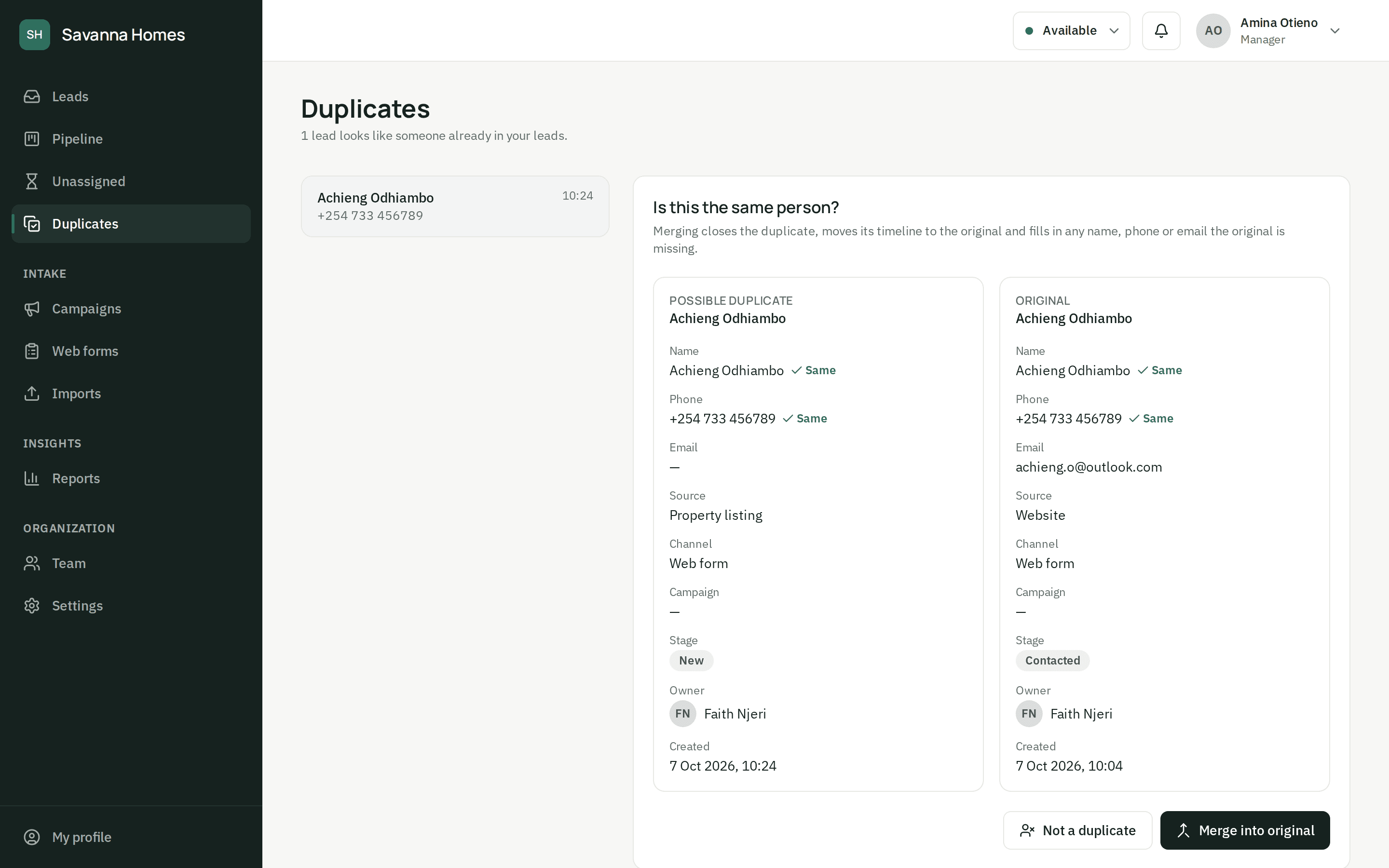
ZonoLead matches new leads on phone number and email. The second enquiry is still saved, so each campaign keeps its credit, but it is flagged as a possible duplicate and goes to the agent who already knows that person when they can take it. A manager then merges the two histories, or marks them as different people.
Can our agents use it on their phones?
Yes. The dashboard works in any phone browser: agents see their leads with the time left to respond, get a notification when a lead is assigned to them, and can call or message from the lead in one tap. There's nothing to install.
Stop losing leads you already paid for.
Set up your team and your first form today, or let us show you around.