Reports
Reports: who responds, and what converts
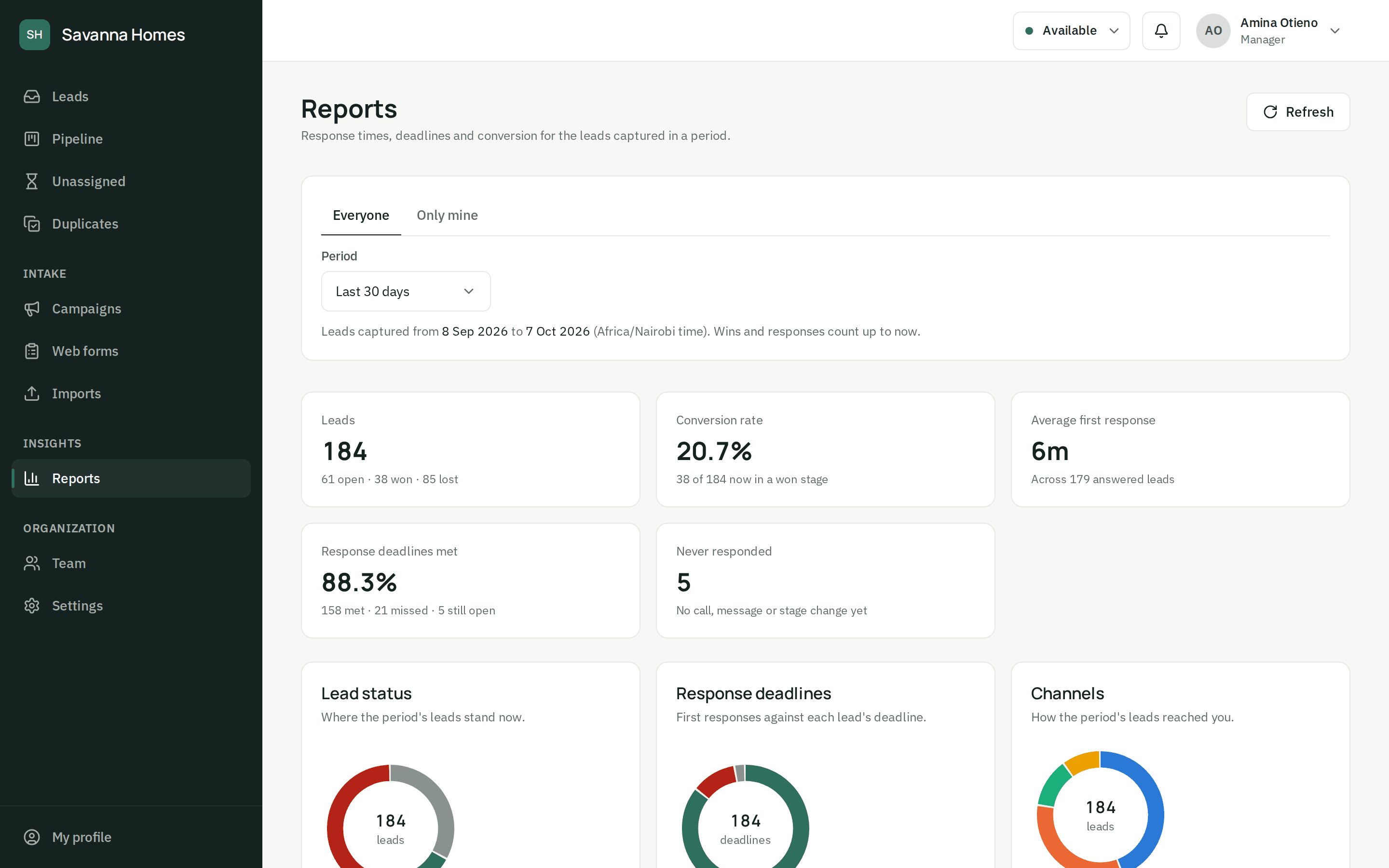
See conversion, first response time and deadlines met for any period, for the team or one agent, by source, channel and campaign. And an audit log of who opened or changed each lead.
- Conversion and first response time for any period
- Broken down by source, channel and campaign
- The whole team's numbers, or just your own
- An audit log of who viewed and changed what
Audit log
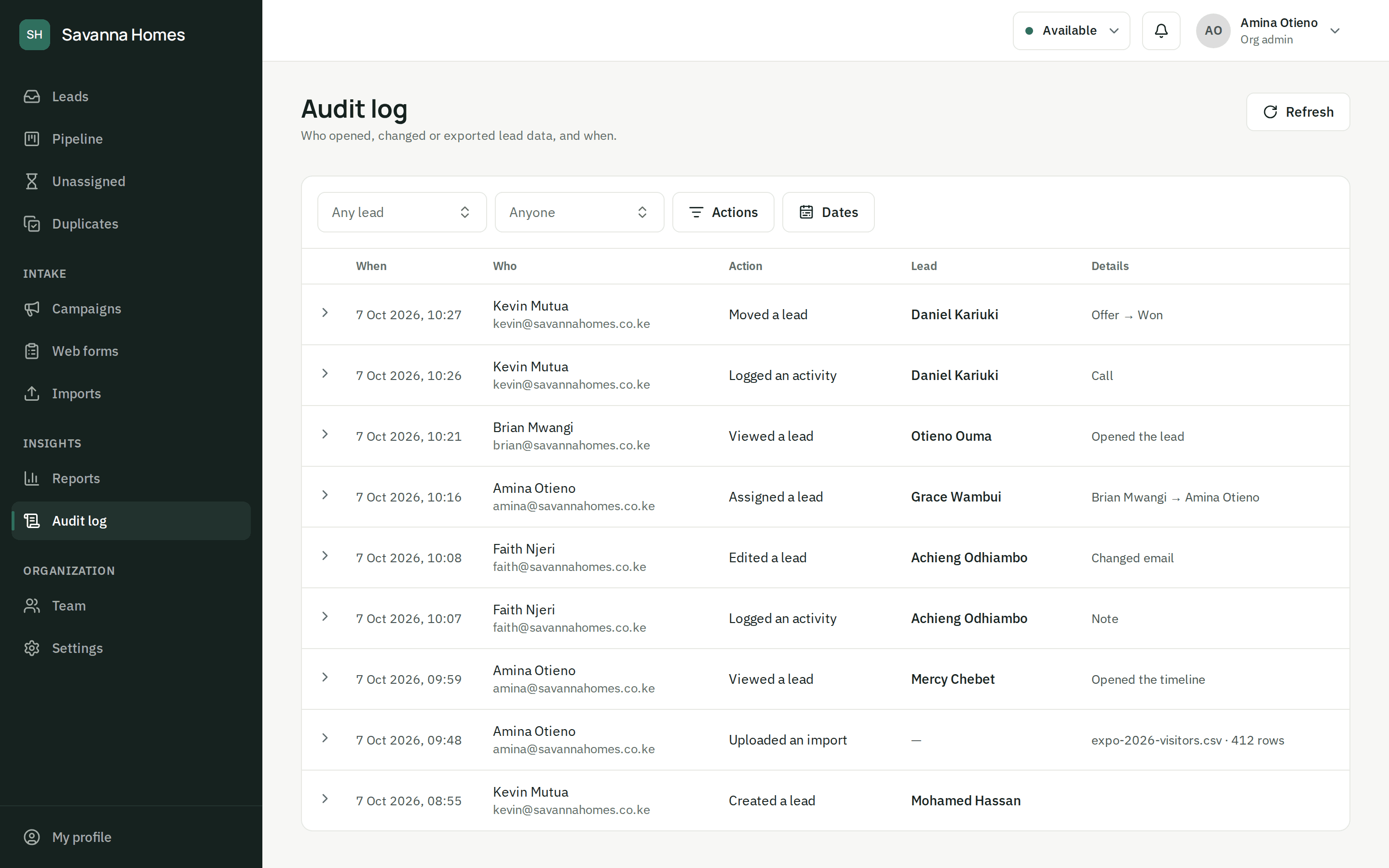
Know who opened and changed each lead
Every time someone opens, edits, assigns, imports or exports lead data, it's recorded with who and when. Org admins filter the log by lead, person, action and date.
Attribution
Find the campaigns that bring buyers
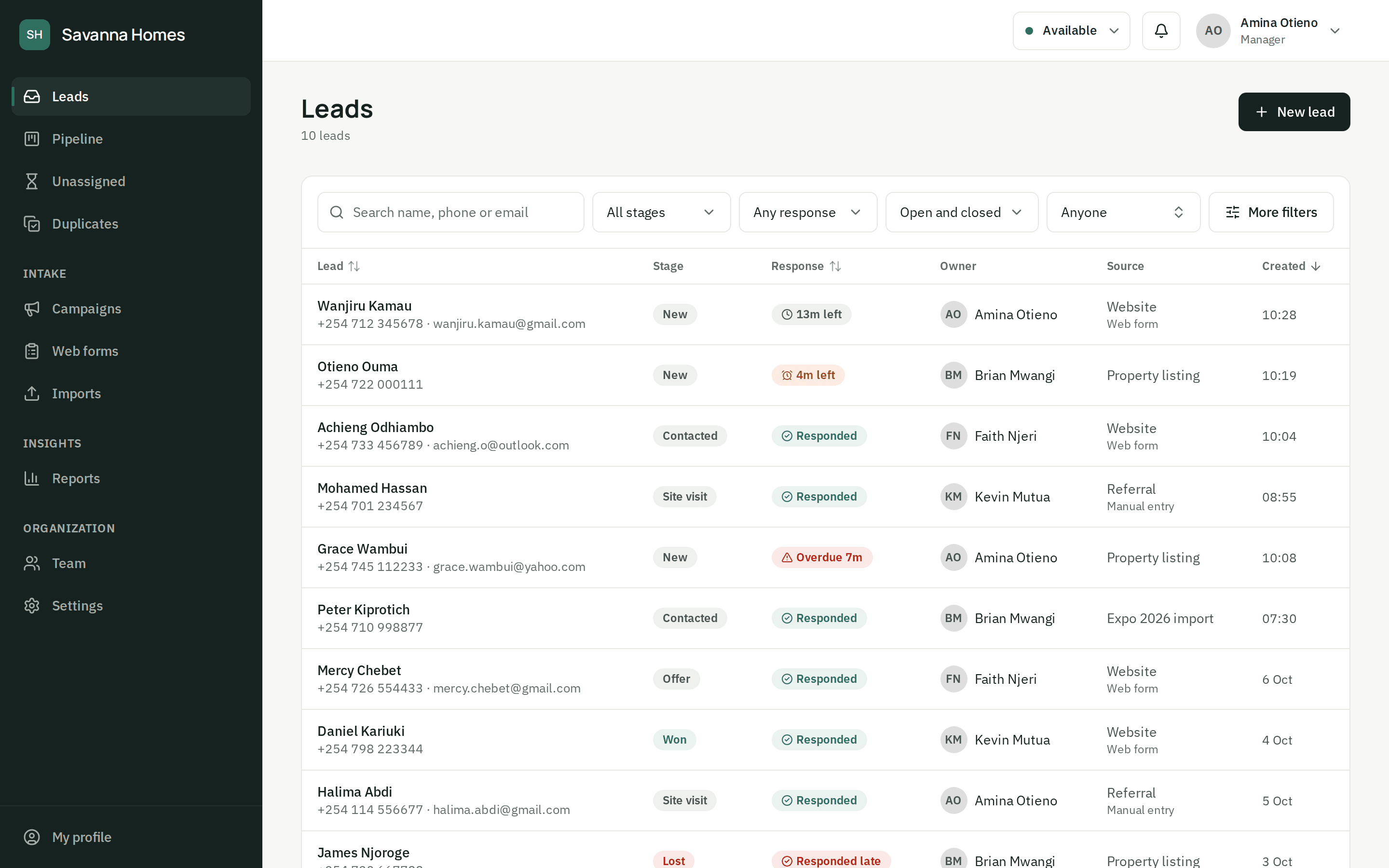
Each lead keeps its source, channel, campaign and UTM parameters from the moment it is captured, so reports show which forms, listings and campaigns turn into sales.
Questions about reports
Who can see the reports?
Managers and admins see the whole team's numbers, broken down by source, channel and campaign. Agents see the same report for their own leads.
Can we see which campaign a lead came from?
Yes. Each form has a default source and campaign, a landing page can name its campaign in the submission, and the UTM parameters, page and referrer are kept on the lead. Reports then show conversion by source, channel and campaign.
Can we see who looked at a lead?
Yes. Org admins have an audit log of who opened, changed, assigned, imported or exported lead data, and when. Entries are added as things happen and are never edited or removed.
Stop losing leads you already paid for.
Set up your team and your first form today, or let us show you around.